
How to Play Meccha Chameleon With Friends : Lobby Setup, Invites & Common Fixes
How to play Meccha Chameleon with friends : complete lobby setup guide. Covers hosting, joining, connection fixes, crossplay status, and player count recommendations.
- •Create lobby → set password → share server name with friends
- •No crossplay : PC/Steam only. No console or mobile versions
- •4-8 players is the sweet spot for fun, balanced matches
Quick Answer
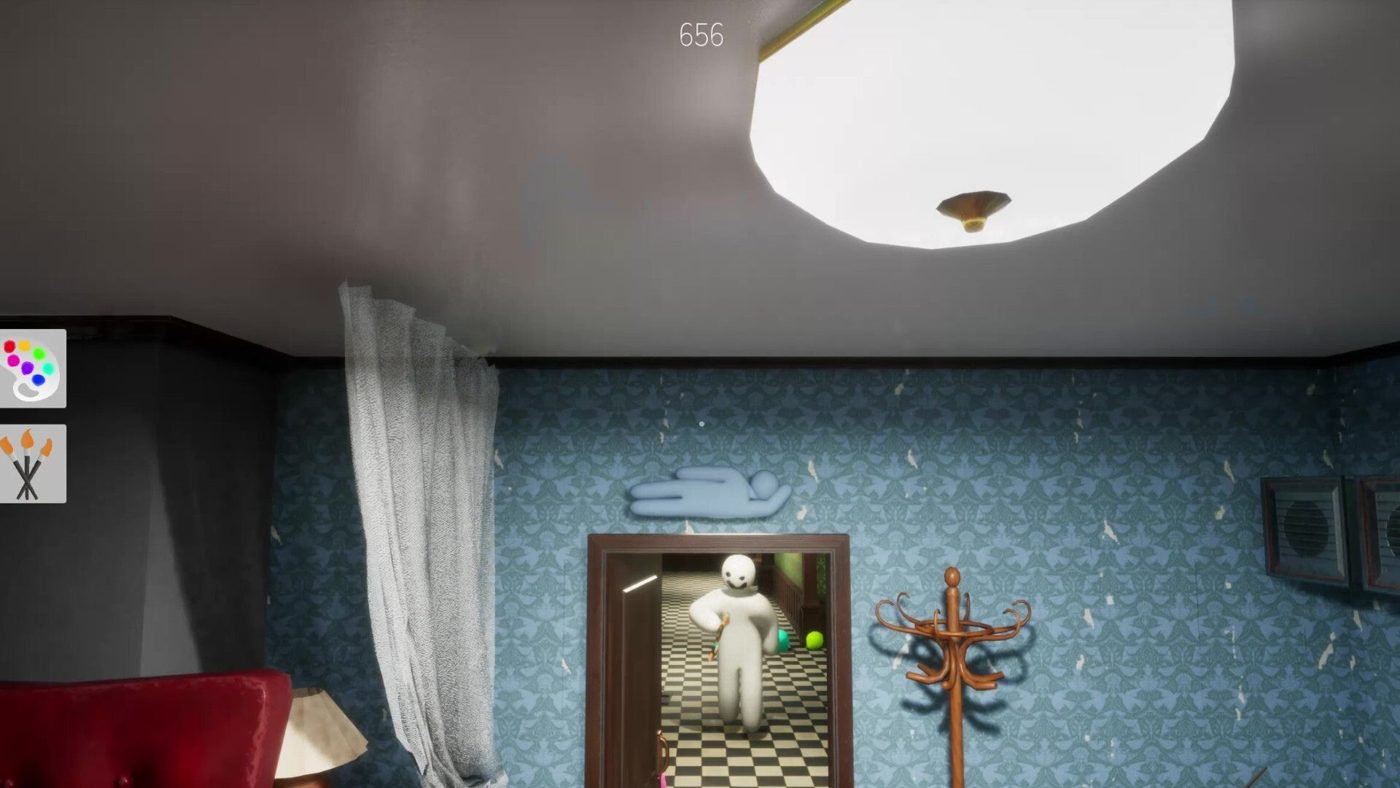
Meccha Chameleon supports up to 24 players per lobby. To play with friends, one person creates a lobby, sets a password, and shares the server name. Everyone else searches for that server name in the browser.
No crossplay. The game is PC-only (Steam). No console or mobile versions exist.
Creating a Private Lobby (Host)
- Launch Meccha Chameleon from Steam.
- From the main menu, click Play.
- Select Create Server (or Host Game).
- Configure your lobby:
- Server Name: Pick something your friends will recognize (e.g., "AlexPartyRoom").
- Password: Set a password to keep randoms out. Share this with your friends.
- Region: Pick the region closest to you and your friends for lowest ping.
- Max Players: Set between 2-24 (4-12 is the sweet spot for fun matches).
- Game Mode: Basic is best for casual play. Infection and Double for variety.
- Click Create.
- You're now in the lobby. Tell your friends the server name and password.
Joining a Friend's Game (Guest)
- From the main menu, click Play.
- Select Find Game or Server Browser.
- In the search bar, type your friend's exact server name.
- The lobby should appear in the list. Click it.
- Enter the password when prompted.
- You're in! Wait for the host to start the match.
If the lobby doesn't appear in search, check: (1) you typed the name exactly, (2) you and the host are on the same game version, (3) the host hasn't already started the match.
Troubleshooting Connection Issues
| Problem | Likely Cause | Fix | |---------|-------------|-----| | Server not appearing in search | Name typo or region mismatch | Double-check spelling. Ask host to confirm region setting | | "Failed to join" error | Version mismatch or firewall | Both players update the game via Steam. Check Windows firewall settings | | Disconnected mid-game | Host crashed or internet dropped | Host should verify game files in Steam (Properties → Installed Files → Verify) | | "Server full" | Lobby hit max player count | Host needs to increase the player cap (or someone needs to leave) | | Friend invites not received | Steam overlay disabled | Enable Steam overlay: Steam → Settings → In-Game → Enable Steam Overlay | | Workshop maps won't load | Players have different map versions | Everyone unsubscribe and re-subscribe to the map on Steam Workshop | | "Too many requests" error on map browser | Workshop rate limiting | Hover over the thumbnail and use the magnifying glass quick-view to subscribe |
Joining Public Lobbies (Solo Play)
If none of your friends are online, you can join public lobbies:
- Go to Server Browser from the Play menu.
- Leave the search field blank to see all available public lobbies.
- Sort by player count or ping.
- Join any lobby without a lock icon (no password).
Warning about public lobbies: Players report frequent issues with trolls, griefers, and cheaters in public games. The community is large and unmoderated. For the best experience, play with friends or join the official Discord server to find like-minded players.
Crossplay Status: PC Only
No. Meccha Chameleon is currently available only on PC via Steam. There are no console (PlayStation, Xbox, Nintendo Switch) or mobile versions. The developers have not announced plans for cross-platform support.
How Many Players Should Be in Your Lobby?
| Players | Experience | |---------|-----------| | 2-3 | Good for learning. Lots of 1v1 seeker practice. | | 4-8 | Sweet spot. Balanced, fun, enough chaos without being overwhelming. | | 9-16 | Party chaos. Harder to hide, more exciting. | | 17-24 | Maximum mayhem. Very hard for hiders. Expect to be found quickly. |
Related Guides
Host Etiquette & Best Practices
- Start with Basic mode if you have new players in the group.
- Rotate maps so everyone learns different environments.
- Turn on voice chat (Discord recommended for quality, or use in-game push-to-talk).
- Mute yourself during hunt phase if you're a hider, breathing into the mic can give away your position.
- The host can kick problematic players from the lobby menu.
Sources
This guide was compiled from multiple public sources. We cross-reference with 3+ sources before publishing.
More Meccha Chameleon Guides
Meccha Chameleon Updates 2.6 & 2.7 : Egypt Map, HIKAKIN Museum & Clone Controversy
Two major Meccha Chameleon updates dropped. Egypt and HIKAKIN Museum maps, random map toggles, Penguin Hotel randomization, and a clone game causing controversy.
Meccha Chameleon July Patch Roundup : New Mode, Osaka Rework & Hunter Ammo Limits
Every Meccha Chameleon update in July 2026. Reverse Chicken Race mode, hunter bullet limits, Osaka map rework, new rotation mechanics, and the upcoming collaboration map.
Meccha Chameleon vs Among Us vs Prop Hunt : Which Hide & Seek Game Is Best in 2026?
Complete comparison of the top 3 hide-and-seek multiplayer games in 2026. Meccha Chameleon vs Among Us vs Prop Hunt : gameplay, skill ceiling, price, player count, and which one is right for your group.