
How to Install & Play Custom Maps in Meccha Chameleon : Steam Workshop Guide
How to install, play, and create custom Meccha Chameleon maps. Steam Workshop guide with top community map recommendations and troubleshooting tips.
- •Subscribe on Steam Workshop → maps auto-download. Custom maps appear in pink/purple
- •Creating maps requires Unreal Engine 5.6.1 : not beginner-friendly
- •All lobby members must have the same custom map subscribed
How to Install Custom Maps (Easy)
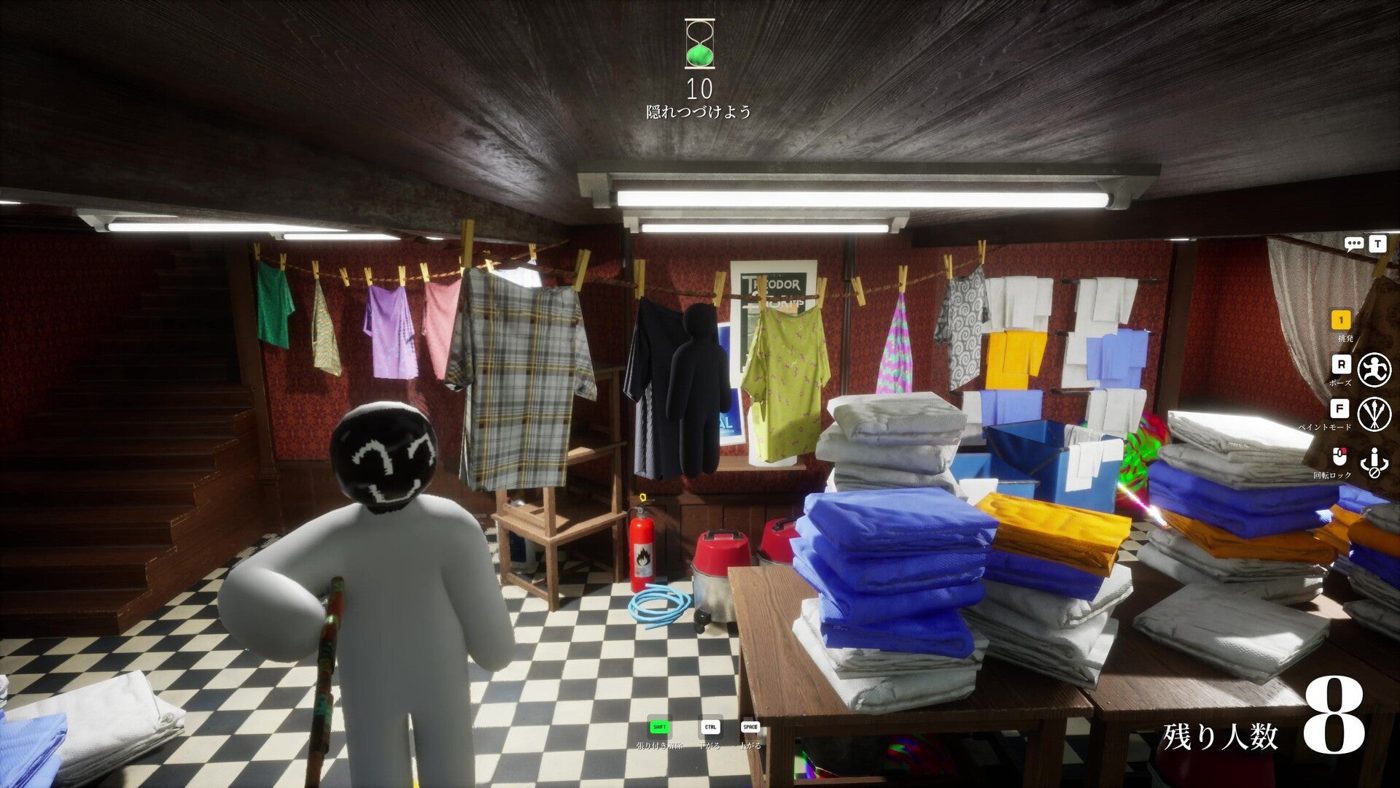
- Go to the Meccha Chameleon Steam Workshop page. You can get there by:
- Opening Steam → Library → Meccha Chameleon → Workshop tab, OR
- From the game's main menu, clicking Maps (bottom-left corner).
- Browse maps and click the green + Subscribe button on any map you like.
- Steam automatically downloads the map. No manual installation needed.
Alternative in-game method:
- Click Maps from the main menu.
- This opens the Workshop browser inside the game overlay.
- Subscribe to maps directly from here.
- Restart the game if maps don't appear immediately.
How to Play Custom Maps
- Create or join a lobby.
- In the pre-match lobby, open the Configure Map menu.
- Scroll through the map list, custom maps are highlighted in pink/purple.
- Select your downloaded map.
- Start the match.
Important: ALL players in the lobby must have the same custom map subscribed. If someone doesn't have the map, a blue prompt appears: "The Mod must be downloaded to start the game. Click here to download it." Click it to auto-subscribe.
Troubleshooting Custom Maps
| Problem | Fix | |---------|-----| | Map doesn't appear in lobby selector | Restart Steam and the game | | "Too many requests" error | Hover over the map thumbnail and use the magnifying glass quick-view button to subscribe without opening the full page | | Map won't load for other players | Have everyone unsubscribe and re-subscribe to get the latest version | | Workshop page crashing | This is a known issue due to high traffic. Try again later or use the in-game Maps menu | | Custom map has collision bugs | Some community maps have glitches. Report issues to the map creator on the Workshop page |
Top Community Maps
| Map | Creator | Description | |-----|---------|-------------| | Zeminah | Community | Restaurant setting with kitchen, storage rooms, and bathroom. Lots of hiding nooks. | | Popunia Art Gallery | acid_fox | Blend in with sculptures and paintings across multiple gallery rooms. | | Modern Office | Popunia | Open-plan workspace with plants, wood textures, and wall art. | | The Market | Tunep | Rustic village marketplace with stalls, houses, and crates. | | Viking Hall | RareKiwi | Viking dining hall with shields, weapons, and food. Great for creative paint jobs. |
How to Create Your Own Maps (Overview)
Creating maps requires Unreal Engine 5.6.1 and the official Meccha Chameleon Mod Kit. This is not beginner-friendly, you need basic Unreal Engine knowledge.
Requirements
- Unreal Engine 5.6.1
- Meccha Chameleon Mod Kit (free download from GitHub)
- SteamCMD (for uploading)
Basic Steps (Simplified)
- Download and open the Mod Kit in Unreal Engine 5.6.1.
- Create a new level with World Partition enabled and Enable Streaming disabled.
- Build your map using UE5 tools. Players spawn at X=0, Y=0, Z=100.
- Use CameraBlockWall collision profile on walls to prevent camera clipping.
- Package the map as a plugin and upload via SteamCMD.
For a detailed step-by-step, see the official Mod Kit documentation on GitHub.
Related Guides
Pro Tips for Custom Map Players
- Subscribe to 5-10 maps at a time, not hundreds. Each map takes storage space.
- Check the "Last Updated" date before subscribing. Outdated maps may have bugs.
- Vote on maps you enjoy (thumbs up on Workshop) to help good creators get visibility.
- Custom maps have different hiding metas than official maps. What works on Mansion may not work on Viking Hall.
- The Workshop community is active, new quality maps appear weekly.
Sources
This guide was compiled from multiple public sources. We cross-reference with 3+ sources before publishing.
More Meccha Chameleon Guides
Meccha Chameleon Updates 2.6 & 2.7 : Egypt Map, HIKAKIN Museum & Clone Controversy
Two major Meccha Chameleon updates dropped. Egypt and HIKAKIN Museum maps, random map toggles, Penguin Hotel randomization, and a clone game causing controversy.
Meccha Chameleon July Patch Roundup : New Mode, Osaka Rework & Hunter Ammo Limits
Every Meccha Chameleon update in July 2026. Reverse Chicken Race mode, hunter bullet limits, Osaka map rework, new rotation mechanics, and the upcoming collaboration map.
Meccha Chameleon vs Among Us vs Prop Hunt : Which Hide & Seek Game Is Best in 2026?
Complete comparison of the top 3 hide-and-seek multiplayer games in 2026. Meccha Chameleon vs Among Us vs Prop Hunt : gameplay, skill ceiling, price, player count, and which one is right for your group.