
Every Meccha Chameleon Keybind : Complete PC Controls Reference
Every single Meccha Chameleon keybind in one place. Complete PC controls reference organized by role : movement, painting, clones, seeker, and camera.
- •F = paint menu, R = pose wheel, Space = eyedropper, V = toggle shadows
- •Q = place clone, X = remove all clones, 4 = free cam, 5 = track hunters
- •Lower mouse sensitivity for precise eyedropper sampling and smoother scanning
Movement
| Key | Action | |-----|--------| | W A S D | Walk (no sprint function exists) | | C | Crouch | | Space (hold) | Climb walls | | E | Move up while on wall | | Q | Move down while on wall | | Shift | Detach from wall |
Camera
| Key | Action | |-----|--------| | Mouse | Look / Aim | | Middle Mouse Button | Rotate camera around character | | Alt + Right-click + move mouse | Zoom in while painting | | 4 | Free-roam camera (detached) | | 5 | Auto-track & follow Seekers |
Painting & Camouflage (Hider)
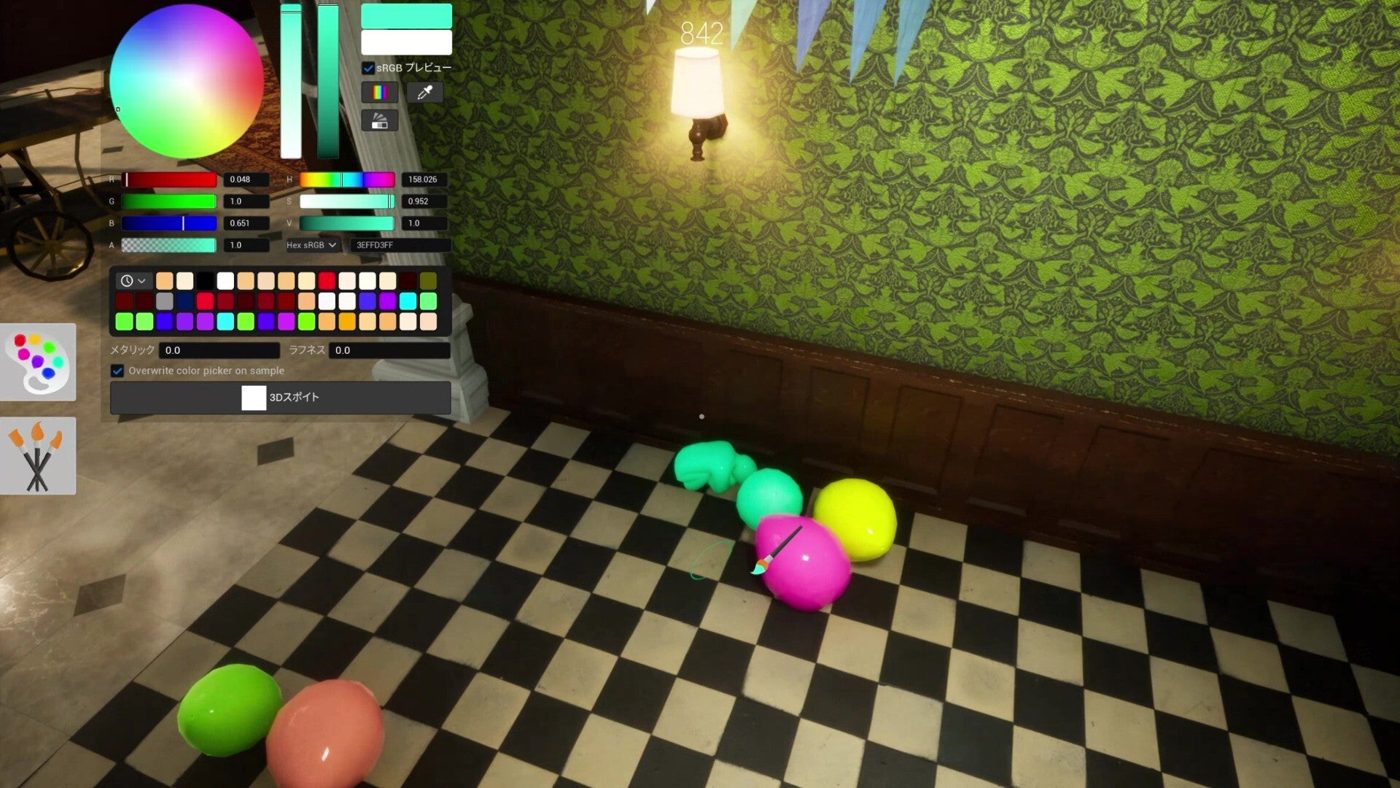
| Key | Action | |-----|--------| | F | Open / close paint menu | | R | Open pose wheel | | Space (in paint mode) | Eyedropper, sample color from surface | | Right-click + move mouse | Adjust brush size | | V | Toggle character shadow on/off | | 3 | X-ray rendering toggle (paint mode) |
Clones
| Key | Action | |-----|--------| | Q (outside wall mode) | Create decoy clone at current position | | X | Remove all active clones |
Clones have a 30-second cooldown. Max 2 at a time. If a hunter shoots your clone, you are eliminated.
Seeker (Hunter)
| Key | Action | |-----|--------| | Left Mouse Button | Tag / eliminate hiders | | 2 | Toggle drawing view | | 3 | Toggle nameplates on/off |
Communication & Misc
| Key | Action | |-----|--------| | 1 | Forced taunt / whistle | | Esc | Pause / Settings menu | | Enter | Open chat |
Quick Reference Cards
Hider Essentials (6 keys to memorize)
| Priority | Key | What it does | |----------|-----|-------------| | 🔴 Must know | F | Paint menu | | 🔴 Must know | Space | Eyedropper (in paint mode) | | 🔴 Must know | R | Pose wheel | | 🟡 Should know | V | Toggle shadows | | 🟡 Should know | Q | Place clone | | 🟢 Nice to know | 4 | Free cam |
Seeker Essentials (3 keys to memorize)
| Priority | Key | What it does | |----------|-----|-------------| | 🔴 Must know | Left Mouse | Tag hiders | | 🟡 Should know | 2 | Drawing view | | 🟢 Nice to know | 3 | Toggle nameplates |
Related Guides
Pro Tips
- Lower mouse sensitivity for precise eyedropper sampling and smoother seeker scanning.
- Rebind F, R, and Space to easily reachable keys near WASD if your hand size makes the defaults awkward.
- Keybinds may reset after game patches, always check Settings → Controls after an update.
- Push-to-talk is strongly recommended over open mic, accidental breathing reveals your spot.
- There is no sprint/run key. Movement speed is constant for all players.
Sources
This guide was compiled from multiple public sources. We cross-reference with 3+ sources before publishing.
More Meccha Chameleon Guides
Meccha Chameleon Updates 2.6 & 2.7 : Egypt Map, HIKAKIN Museum & Clone Controversy
Two major Meccha Chameleon updates dropped. Egypt and HIKAKIN Museum maps, random map toggles, Penguin Hotel randomization, and a clone game causing controversy.
Meccha Chameleon July Patch Roundup : New Mode, Osaka Rework & Hunter Ammo Limits
Every Meccha Chameleon update in July 2026. Reverse Chicken Race mode, hunter bullet limits, Osaka map rework, new rotation mechanics, and the upcoming collaboration map.
Meccha Chameleon vs Among Us vs Prop Hunt : Which Hide & Seek Game Is Best in 2026?
Complete comparison of the top 3 hide-and-seek multiplayer games in 2026. Meccha Chameleon vs Among Us vs Prop Hunt : gameplay, skill ceiling, price, player count, and which one is right for your group.