
Why You Keep Getting Caught in Meccha Chameleon : The Camouflage Settings Everyone Misses
Why you keep getting caught even with perfect color matching. Master roughness, metallic, shadows, silhouette, and lighting to become nearly invisible.
- •Color matching is only 20% of camouflage : roughness and metallic matter more
- •Set roughness to max for matte surfaces, metallic to zero unless hiding on metal
- •Press V to disable shadows on every single round : it's the easiest fix
The Most Frustrating Thing in Meccha Chameleon
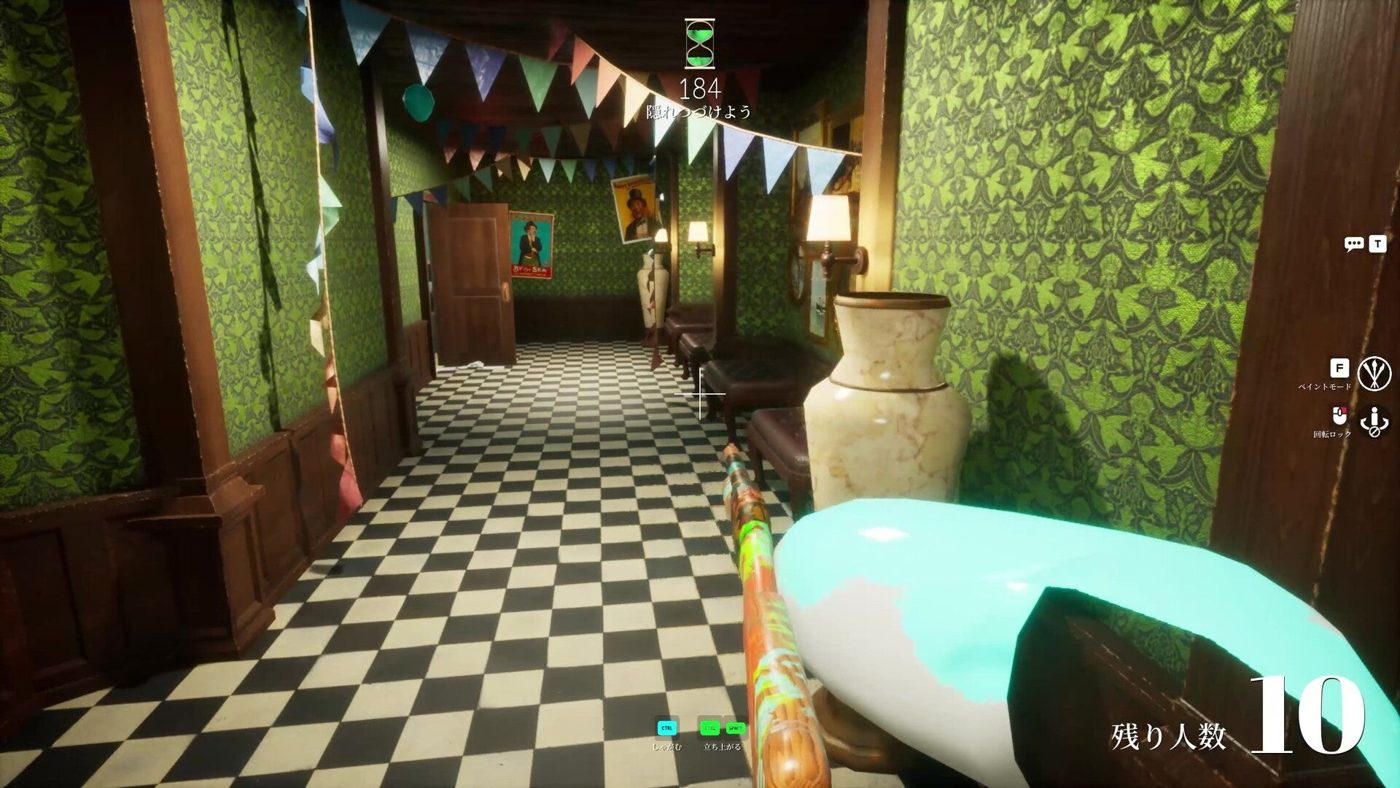
Your color match is perfect. Your pose is clever. And 20 seconds into the hunt phase, you're dead.
Sound familiar?
Color matching is 20% of camouflage. The other 80%, roughness, metallic, shadows, silhouette, and lighting, is why you keep dying. Fix these six things and you'll survive.
Set Roughness to Match Your Surface (Matte vs Glossy)
What it is: Roughness controls how matte or glossy your surface appears. Low roughness = shiny/glossy. High roughness = matte/dull.
Why it gets you killed: You're hiding against a brick wall (high roughness, completely matte) but your character's roughness is at the default setting (medium-low, shiny). A seeker scanning the wall sees a shiny patch that shouldn't be there, the light catches it differently from everything around it.
How to fix it:
- Look at the surface you're hiding against. Is it shiny (glass, metal, polished wood) or matte (brick, plaster, fabric, concrete)?
- In the paint menu, use the Roughness slider to match.
- For 90% of hiding spots, crank roughness to maximum. Most game environments use matte surfaces.
- Only lower roughness if you're hiding on glass, polished metal, or glossy tile.
Turn Metallic to Zero Unless You're Hiding on Metal
What it is: Metallic controls how much your surface reflects light like metal. High metallic = reflective, specular highlights. Low metallic = diffuse, non-reflective.
Why it gets you killed: You're pressed against a wooden bookshelf (zero metallic). Your metallic slider is at default (medium), giving you a faint metallic sheen. In the game's lighting engine, wood doesn't reflect, but your character does. It's subtle, but experienced seekers will spot the anomaly.
How to fix it:
- For organic surfaces (wood, fabric, skin, paper, leaves): metallic = 0
- For painted metal (lockers, pipes, railings): metallic = 15-30
- For raw metal (barrels, machinery): metallic = 50-70
- Never go above 80 unless you're hiding on a mirror.
Press V to Disable Shadows, The Easiest Fix
What it does: Your character casts a shadow by default. Shadows reveal your 3D human silhouette even when the color is perfect.
Why it gets you killed: A seeker glances at a wall from an angle. They don't see a wrong color, they see a human-shaped shadow that shouldn't exist on a flat surface. Your shadow screams "someone is here."
How to fix it:
- Press V in paint mode to disable shadows. Do this every single round.
- Without your own shadow, you appear completely flat, like part of the wall.
- Exception: if you're hiding in a genuinely dark area where shadows are natural, keeping shadows on at low opacity can help blend into the ambient lighting. But for beginners, turn them off.
Break Your Human Outline With the Pose Wheel (R)
What it is: The outline of your body. Humans are hardwired to recognize human shapes, it's an evolutionary survival instinct. No amount of color matching can hide a human silhouette.
Why it gets you killed: You're standing upright against a wall with a great paint job. But your shoulders, head, and legs form an unmistakable human outline. A seeker's brain processes the shape before the color.
How to fix it:
- Press R to open the pose wheel BEFORE painting. Choose a pose that breaks the human outline.
- Lie flat (starfish pose) against walls.
- Curl into a ball for small objects.
- Match your pose to nearby objects, sit like a chair, stand rigid like a post.
- Pro tip: Press ESC during pose selection to independently move your upper body for inhuman shapes.
Match the Room's Lighting Direction, Light on One Side, Shadow on the Other
What it is: Every room has a light source. Surfaces facing the light are brighter; surfaces in shadow are darker.
Why it gets you killed: You sample one flat color and paint your entire body with it. But the wall behind you has a gradient, brighter near the window, darker in the corner. Your flat-colored body stands out because it doesn't follow the room's lighting logic.
How to fix it:
- Identify the main light source in the room.
- Sample three colors: a show (facing light), a mid-tone, and a shadow (facing away from light).
- Layer them across your body, lighter on the side facing the window, darker on the opposite side.
- This creates artificial 3D depth that mimics natural lighting.
- Advanced: use the HSV sliders manually rather than only sampling.
Hide Against Busy Patterns, Empty Walls Are Death Traps
What it is: The more visual clutter behind you, the harder you are to spot. Empty, flat walls are death traps.
Why it gets you killed: Even with perfect roughness, metallic, and lighting, a single-colored shape on a single-colored wall is still detectable. The human eye catches anomalies faster when there's nothing else to look at.
How to fix it:
- Always hide against patterned or cluttered surfaces. Bookshelves, graffiti walls, stacked crates, wallpaper, anything with visual noise.
- If you must hide against a plain wall, add pattern to yourself, stripes, blotches, anything to break up your outline.
- The busier the background, the more forgiving it is of imperfect paint jobs.
Quick Checklist Before Every Round
Use this mental checklist during prep phase:
- [ ] Color sampled with eyedropper from exact hiding surface
- [ ] Roughness matched to surface material
- [ ] Metallic set to zero (unless metal surface)
- [ ] Shadows turned off (V key)
- [ ] Pose breaks human silhouette
- [ ] Lighting direction considered (show + shadow sides)
- [ ] Background has visual clutter
- [ ] All angles checked with free cam (4 key)
Master these six elements and you'll go from "caught in 20 seconds" to "last chameleon standing" every round.
Related Guides
Sources
This guide was compiled from multiple public sources. We cross-reference with 3+ sources before publishing.
More Meccha Chameleon Guides
Meccha Chameleon Updates 2.6 & 2.7 : Egypt Map, HIKAKIN Museum & Clone Controversy
Two major Meccha Chameleon updates dropped. Egypt and HIKAKIN Museum maps, random map toggles, Penguin Hotel randomization, and a clone game causing controversy.
Meccha Chameleon July Patch Roundup : New Mode, Osaka Rework & Hunter Ammo Limits
Every Meccha Chameleon update in July 2026. Reverse Chicken Race mode, hunter bullet limits, Osaka map rework, new rotation mechanics, and the upcoming collaboration map.
Meccha Chameleon vs Among Us vs Prop Hunt : Which Hide & Seek Game Is Best in 2026?
Complete comparison of the top 3 hide-and-seek multiplayer games in 2026. Meccha Chameleon vs Among Us vs Prop Hunt : gameplay, skill ceiling, price, player count, and which one is right for your group.